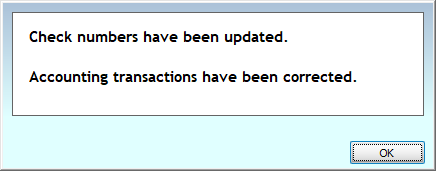
Renumber Checks
Renumber checks to when there was a check number entry error or a misprint requiring a new check.
Access Renumber Checks
To access from the Button Bar, go to Special Functions > Renumber Checks

Renumber Checks
-
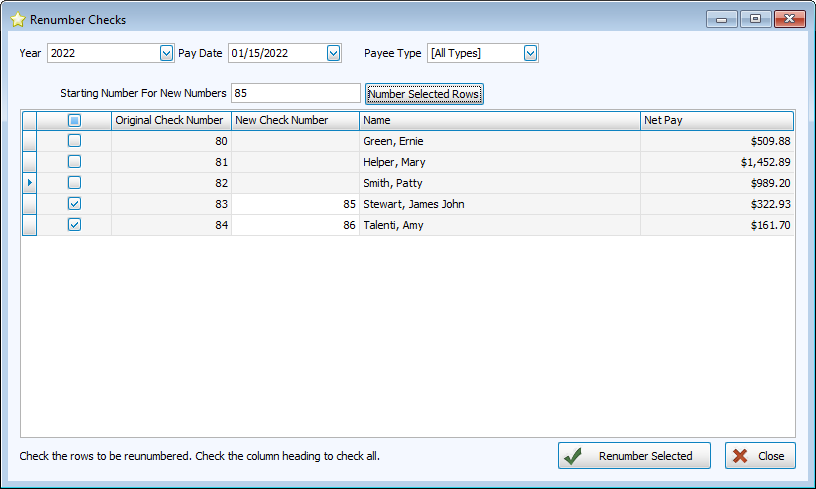
Select the Pay Date with incorrectly numbered checks at the top of the screen.
-
Check the column heading to select all, or select individual checks to correct.
-
Enter a new starting number and click
 to number selected checks sequentially. You can also enter numbers manually in the New Check Number column.
 -
Click
 .
.